

In brief
Aircraft logbook software should preserve original records, organize them around the aircraft and its components, support search and structured review, expose uncertainty, and create controlled packages without replacing the underlying evidence.
Tools for this decision
Run the numbers while you read.

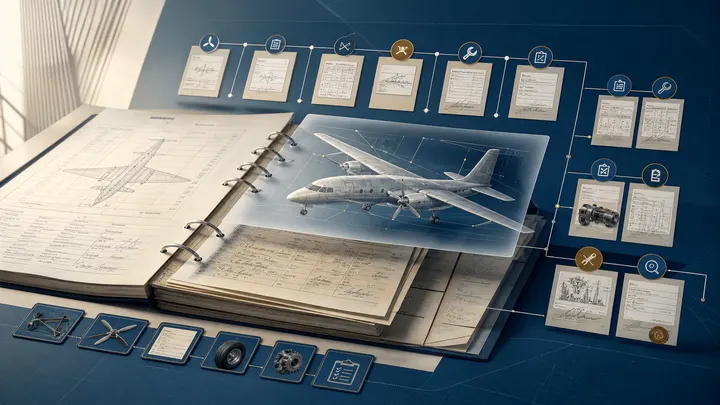
An aircraft logbook earns its value from the evidence it preserves: what work happened, when, to which aircraft or component, using what authority, and with whose approval. The binder itself is incidental.
Aircraft logbook software should make that evidence easier to protect and use without turning an uncertain scan into an unquestioned database value. The buying standard is simple: can a reviewer get from a question to the exact supporting record, understand its context, and see what remains unresolved?
What “aircraft logbook software” can mean
The market includes several distinct products:
| Product | Main purpose | Best test |
|---|---|---|
| Scanning archive | Protect paper with indexed digital copies | Can every page be accounted for and exported? |
| Searchable records platform | Find text, forms, parts, events, and related evidence | Does a result open to the exact source page? |
| Electronic recordkeeping system | Create and control native electronic records and signatures | Does it satisfy applicable rules, procedures, and acceptance? |
| Maintenance tracker | Calculate due work from program and utilization data | Can each material status be traced to its basis? |
| Technician or pilot log app | Capture personal or operational activity | Is it the aircraft’s authoritative maintenance record? |
One product may cover several categories. Do not assume that “digital,” “paperless,” or “electronic logbook” means the same control environment.
Radar focuses on existing aircraft maintenance-record evidence: digitizing, connecting, searching, structuring, and supporting verification. It does not itself authorize maintenance, certify an entry, or determine that an aircraft is airworthy.
The non-negotiable requirement: preserve the source
OCR text and structured fields are useful derivatives. The scanned or born-digital source remains essential because it contains:
- handwriting, signatures, certificate references, stamps, and corrections;
- page sequence and surrounding entries;
- form layout and field relationships;
- qualifiers and return-to-service wording;
- referenced attachments and approval data; and
- evidence that an automated extraction may have misunderstood.
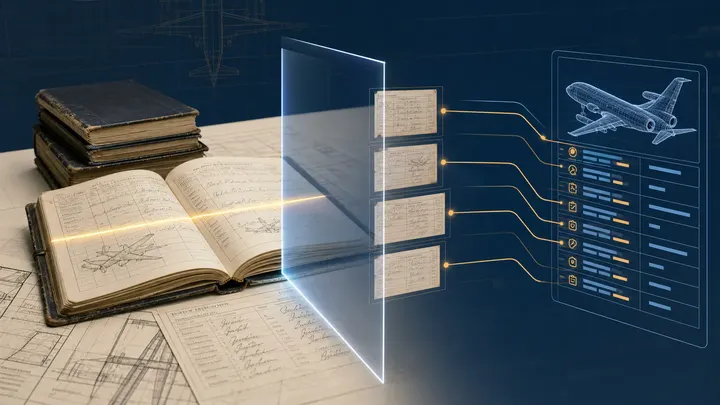
A search result should open the relevant page, ideally with the matched region visible. A normalized date, serial number, or total time should retain provenance back to the source. Corrections should create review history rather than silently replacing the previous value.
Capability matrix for buyers
| Capability | Minimum useful behavior | Stronger evidence |
|---|---|---|
| Ingestion | Upload scans and born-digital documents | Duplicate, page-order, and completeness controls |
| Organization | Tail, engine, APU, propeller, and document categories | Installation-aware component identity and event links |
| OCR and search | Search typed text | Handwriting support, aviation vocabulary, filters, source highlights |
| Structured data | Extract dates and common identifiers | Confidence, reviewer queue, provenance, change history |
| Timeline | Sort documents and events | Distinguish document date, work date, and installation period |
| Sharing | Invite or link a user | Tail- and package-scoped roles, expiration, revocation, audit |
| Export | Download documents | Bulk original export plus useful index and metadata |
| Integration | Exchange selected fields | Defined ownership, validation, failures, retries, reconciliation |
Test each row with your actual records. A perfect demonstration on clean typed forms says little about faded carbon copies, mixed scans, handwritten entries, and component swaps.
Search should answer maintenance questions
Filename search is inadequate when a reviewer needs to find:
- every occurrence of a component part or serial number;
- the entry supporting an AD compliance date;
- an engine installation and later removal;
- a major repair, alteration, or associated FAA Form 337;
- a recurring inspection across multiple logbook volumes;
- a work order related to a summary log entry; or
- conflicts in total time, cycles, or recorded identity.
Good search combines full text, filters, document type, aircraft and component identity, dates, and linked events. Results should show why they matched. Where handwriting or scan quality lowers confidence, the software should say so.
This is the right standard for any platform: a useful answer stays connected to the page that supports it.
Digital copies versus electronic recordkeeping
14 CFR 43.9 addresses the content and form of many maintenance records. 14 CFR 91.417 specifies maintenance-record requirements, retention, and transfer for affected owners and operators.
FAA AC 120-78B, issued in 2024, provides guidance for electronic signatures, electronic recordkeeping, and electronic manuals. It describes an acceptable means, not the only means, and does not override the regulations or operation-specific approval and procedure needs.
A scanned archive can be extremely useful without becoming the system that originates an electronic maintenance release. Buyers should separately evaluate:
- record creation and signature controls;
- signer identity and authority;
- prevention or detection of unauthorized alteration;
- corrections and retained history;
- availability to authorized users and regulators;
- retention and transfer;
- backup, recovery, and continuity; and
- accepted company procedures where required.
Build the logbook around aircraft and component identity
Chronology alone is not enough. A useful information model distinguishes:
- aircraft;
- engines, APU, propellers, landing gear, and serialized components;
- installation and removal periods;
- maintenance requirements;
- events such as inspection, repair, alteration, overhaul, or test;
- documents and pages providing evidence; and
- unresolved exceptions.
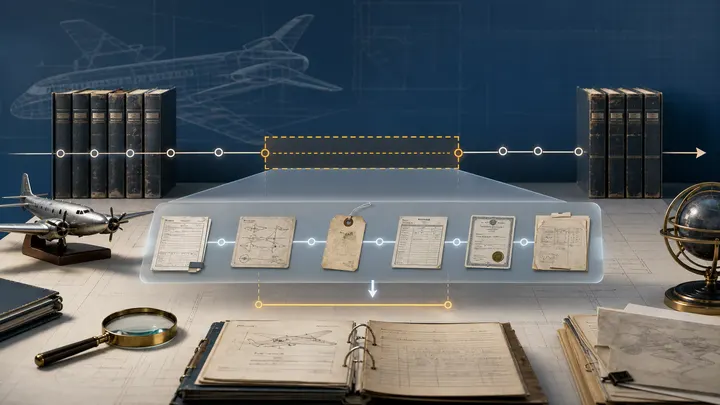
This matters because the same serial number can appear in a shop report, release document, component card, work order, and log entry. Connecting those records is more useful than placing five PDFs in the same folder.
OCR and AI require a review design
No honest buyer’s guide should promise perfect OCR. Typed forms, handwriting, skew, bleed-through, stamps, abbreviations, and degraded copies create different error patterns. A single overall “accuracy” percentage can hide failure on the fields that matter most.
Ask vendors for field-level tests on:
- dates and ambiguous numeric formats;
- N-numbers, part numbers, and serial numbers;
- hours, cycles, and decimal placement;
- technician certificate references;
- checkbox and table relationships;
- handwritten corrective action; and
- negation, qualifying language, and references to attachments.
The workflow should route uncertain or consequential results to a person with the right context. Reviewers should see the image, extracted value, confidence or reason for review, related pages, and prior corrections.
Controlled sharing for maintenance and transactions
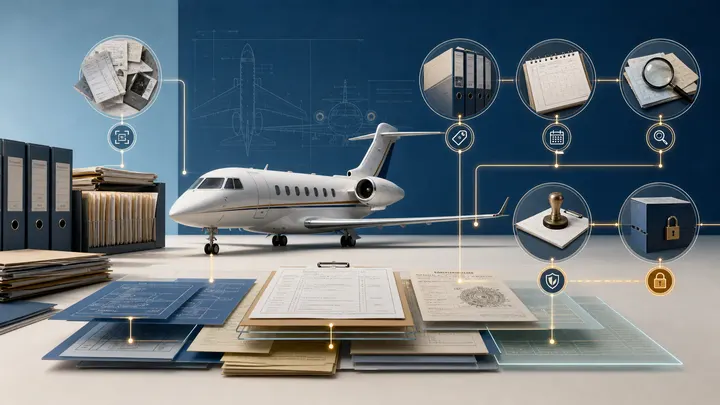
Aircraft records move among owners, operators, maintenance providers, lenders, appraisers, insurers, buyers, and counsel. The software should support narrower access than “share the drive.”
Evaluate:
- access by tail, logbook, document group, or transaction package;
- role and least-privilege permissions;
- expiration and immediate revocation;
- download policy and visible activity history;
- separation between internal annotations and shared evidence;
- secure handling of personal, commercial, and financial information; and
- preservation of an immutable closing or review snapshot.
A sharing link is not an aircraft closing process. Escrow, title, legal documents, acceptance, and funds remain separate professional workflows.
Migration and quality acceptance
Inventory before scanning
Count binders, boxes, loose pages, media, existing PDFs, spreadsheets, and online sources. Record custody and known gaps.
Establish a scan standard
Set requirements for resolution, color, orientation, legibility, page boundaries, sequence, file naming, and rescan decisions. Preserve originals according to applicable policy and legal advice.
Reconcile completeness
Use volume labels, page sequences, date ranges, document counts, and asset identity. A scan project can produce beautiful files while omitting a binder.
Index and connect
Classify documents, associate the correct aircraft or component, extract important fields, and link records belonging to one event.
Review representative risks
Sample every document family and focus additional review on life-limited parts, AD evidence, major repairs and alterations, component changes, and value-sensitive gaps.
The aircraft logbook digitization guide provides a detailed acceptance workflow.
Questions for an aircraft logbook software demo
Give the vendor an out-of-order package and ask:
- How does the system account for every uploaded page?
- Can it distinguish an airframe entry from an engine record?
- Can it find a handwritten serial number and show the source?
- How does it represent two conflicting total-time values?
- Can it connect a work order, parts release, and log entry?
- What can an external buyer see, download, and annotate?
- Can access expire without deleting the transaction record?
- Can we export originals, index, structured data, and audit history?
- How are customer corrections preserved?
- What functions depend on a third party or manual service?
Then ask who accepts the migration, who owns ongoing intake, and how exceptions are measured after launch.
Evaluate Radar against the records problem
Use Radar when the core problem is buried maintenance evidence: paper logbooks, mixed PDFs, fragmented work packages, hard-to-find serial numbers, or transaction review that repeatedly returns to the same pages.
Evaluate it on concrete tasks:
- time to find a record and its source page;
- coverage of the documents actually provided;
- correct separation and connection of maintenance records;
- visibility of low-confidence or conflicting information;
- quality of review and correction;
- usefulness of the structured history; and
- ability to preserve and retrieve original evidence.
Use a maintenance tracker or work-execution system for the forward schedule and controlled performance of work. A strong operating architecture connects those systems without pretending they are interchangeable.
Sources and further reading
Common questions
Frequently asked questions
What is aircraft logbook software?
Aircraft logbook software stores and organizes maintenance and operational record evidence in digital form. Depending on the product, it may add OCR, search, structured fields, timelines, review workflows, sharing, and integrations.
Does scanning an aircraft logbook make it an electronic recordkeeping system?
Not necessarily. Scanning creates a digital copy. An electronic recordkeeping program may also require procedures for authenticity, signatures, access, retention, security, correction, backup, and regulatory acceptance appropriate to the operator.
Can aircraft logbook software replace maintenance tracking?
Not automatically. A digital logbook primarily preserves history and evidence. Maintenance tracking calculates requirements and due dates. Some products combine functions, but buyers should verify the depth and authority of each.
How accurate is OCR on handwritten aircraft logbooks?
Accuracy varies with handwriting, image quality, stamps, forms, vocabulary, and the field being read. Important extracted facts should show confidence, preserve the source image, and be reviewed when risk or uncertainty warrants it.
What does Radar do with aircraft logbooks?
Radar digitizes, connects, searches, structures, and supports verification of aircraft maintenance records. It keeps source evidence available so users can inspect the record behind a result.
Keep researching
Related aircraft guides
Make the aircraft history decision-ready
Turn aircraft paperwork into evidence you can use.
Radar digitizes, connects, and verifies the maintenance history behind buying, financing, operating, and selling an aircraft.